Step 2 · Program
Model your program
Pick the modules you need — onboarding, MDF, deal reg, training — and configure tiers, workflows, and approvals.
This guide: 0/3 complete
Overall: 0/9 across all guides
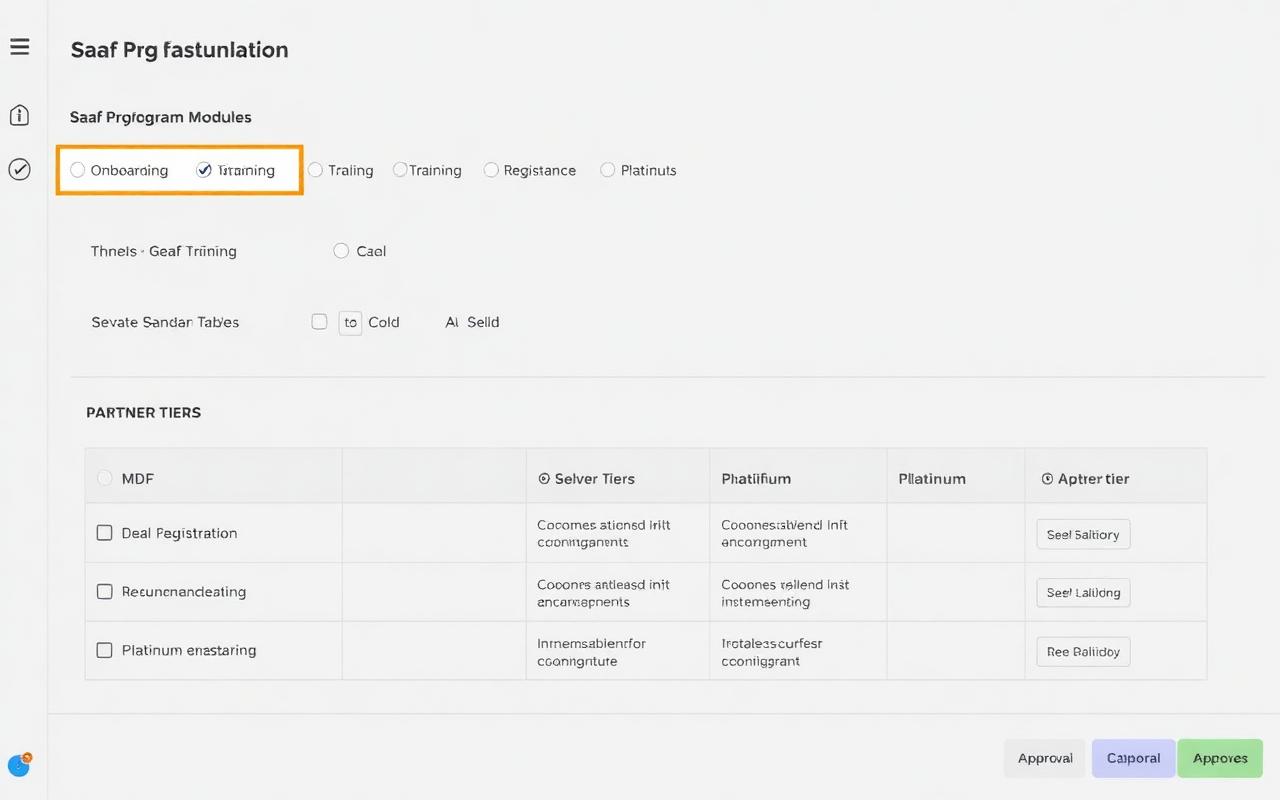
What you'll do
- 1
Enable the modules that match your motion
Toggle Onboarding, Training, Deal Registration, MDF, and Incentives on or off. Disabled modules stay hidden from partners until you turn them on.
- 2
Define your partner tiers
Add tiers like Silver, Gold, and Platinum. Each tier controls which modules, assets, and incentives partners can see, plus their revenue share and support SLA.
- 3
Configure approval workflows
Pick who approves deal registrations, MDF requests, and tier changes. Route approvals to a channel manager, a shared queue, or an auto-approve rule.
Tips from the ZINFI team
- Start with three tiers max — you can always add more later once you see partner behavior.
- Deal reg and MDF are the two modules with the highest partner ROI; enable them on day one if you can.
- Auto-approve deal reg under a threshold ($5–10k) to keep small deals moving fast.