Step 1 · Brand
Brand your partner portal
Point your logo, colors, and domain at the portal. Partners land on a portal that looks and feels like you — not us.
This guide: 0/3 complete
Overall: 0/9 across all guides
What you'll do
- 1
Upload your logo and choose your palette
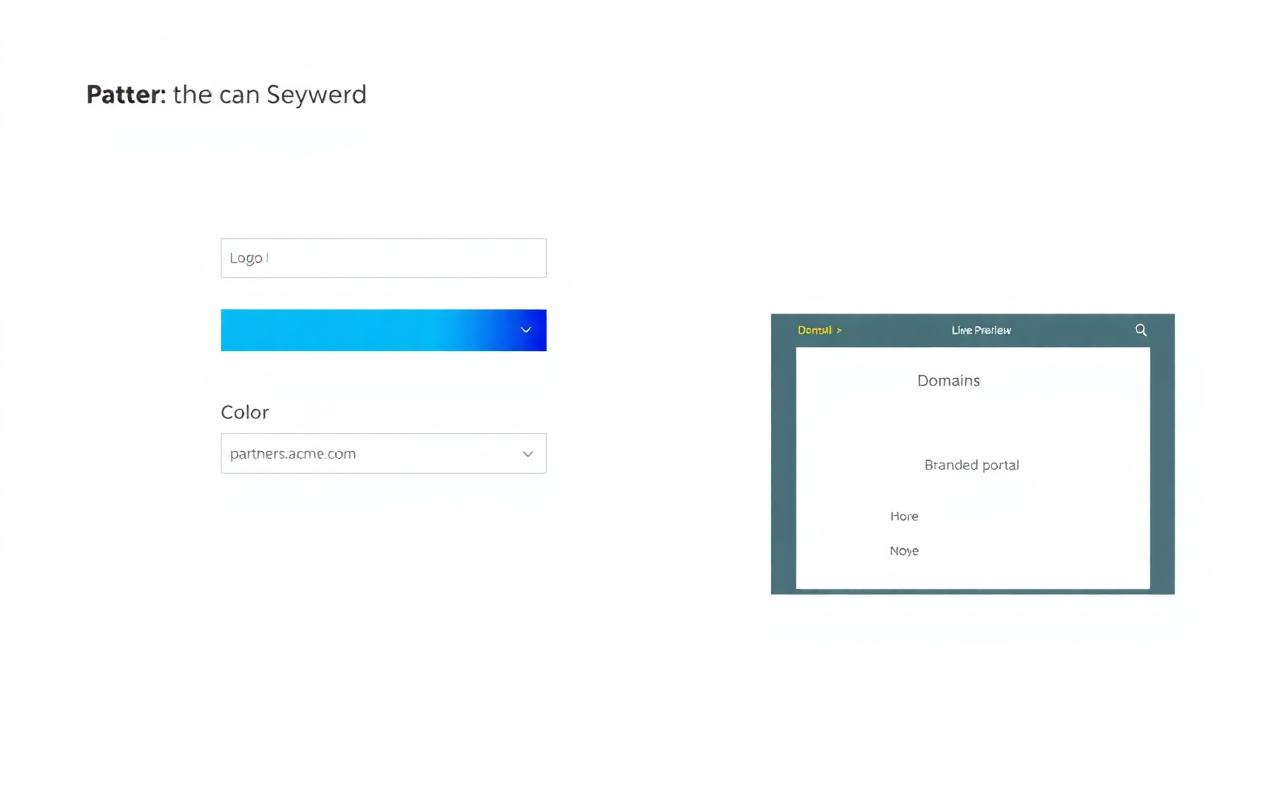
In Setup → Brand, upload an SVG or PNG logo and pick a primary color. The live preview updates instantly so you can validate contrast before saving.
- 2
Wire up your partner domain
Enter a subdomain like partners.yourbrand.com. We generate the CNAME record for you to hand to IT — SSL is provisioned automatically once DNS resolves.
- 3
Review the branded portal preview
Open the preview panel to see the sign-in screen, dashboard header, and email templates rendered with your brand before you publish.
Tips from the ZINFI team
- Use a horizontal logo lockup for best fit in the portal header.
- Primary color drives buttons, links, and accents — pick something with WCAG-AA contrast on white.
- Custom domain is optional at launch; you can start on a *.zinfi.app subdomain and switch later.